From Idea to Google Play: Best Practices for Launching Production Flutter & Android Apps
A production-tested checklist for shipping high-reliability Android and Flutter apps: offline-first caching, push notifications, Play Console compliance, and real-time merchant tracking.
Shipping a mobile app that works flawlessly in an Android emulator on a developer machine is easy. Shipping a production mobile app that reliably handles unstable 4G networks, aggressive battery-saver OEM ROMs, dynamic background push notifications, and strict Google Play Store policies in 2026 is an entirely different engineering challenge.
Having delivered enterprise mobile solutions and published production applications like Rasoio HomeMaker and independent tools on Google Play, here is a practical architectural guide to taking your Android and Flutter apps from local code to a high-ranking store listing.
1. Offline-First State Architecture
In fast-paced on-demand mobile apps—such as food delivery merchant consoles, service marketplaces, and field utilities—users cannot afford blank screens or freezing spinners when entering a poor signal area.
An offline-first design treats local persistence as the primary source of truth:
// Conceptual offline-first repository pattern in Flutter
class OrderRepository {
  final LocalDatabase _localDb;
  final ApiClient _apiClient;

  Stream<List<Order>> watchActiveOrders() {
    // 1. Instantly emit cached local database state
    return _localDb.watchOrders().distinct();
  }

  Future<void> syncOrders() async {
    try {
      final remoteOrders = await _apiClient.fetchOrders();
      // 2. Atomic transaction update to local storage
      await _localDb.upsertOrders(remoteOrders);
    } on NetworkException catch (e) {
      // 3. Gracefully operate with cached state without crashing
      AppLogger.warn('Network sync postponed: $e');
    }
  }
}
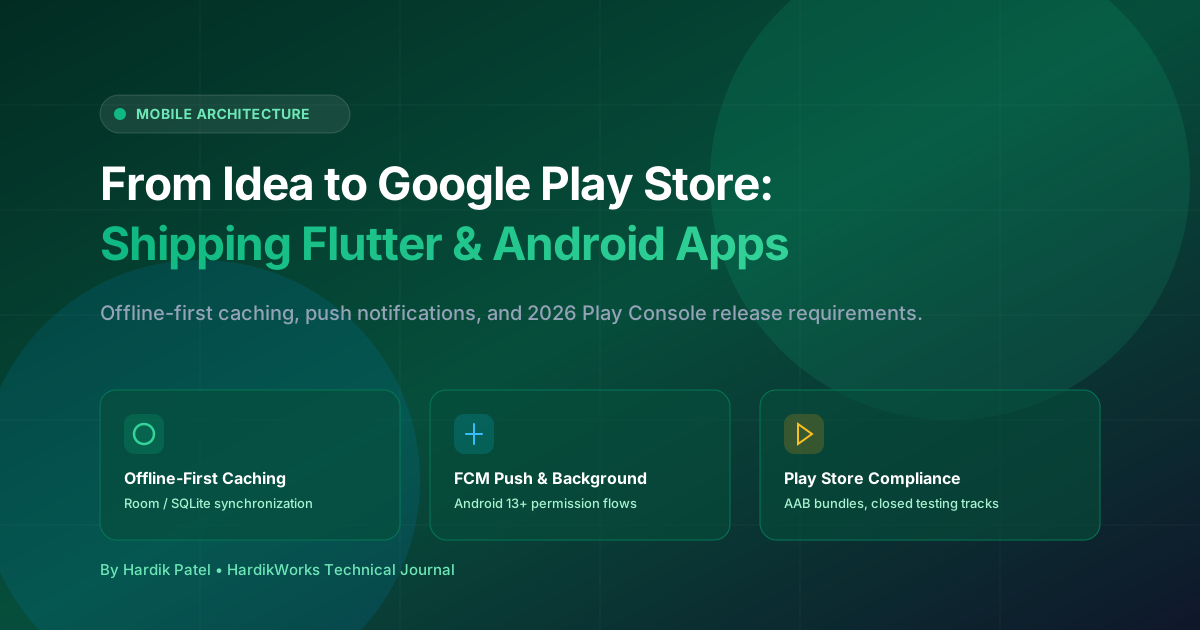
By separating UI presentation from network latency via local SQLite/Room or Isar/Hive caches, your UI responds in under 16 milliseconds (60 FPS) while synchronization runs asynchronously in the background.
2. High-Reliability Push Notifications & Android 13+ Permissions
For order-tracking and dispatching apps like Rasoio HomeMaker, missed push notifications mean missed revenue. Navigating modern Android notification rules requires strict compliance:
- Runtime Permission Flow: Since Android 13 (API 33),
POST_NOTIFICATIONSmust be explicitly requested with clear contextual reasoning before triggering the OS prompt. - High-Priority FCM Payloads: Use Firebase Cloud Messaging
priority: highandandroid_channel_idtargeting predefined notification channels configured with maximum importance and custom sound alert configurations. - Foreground Service Channels: For live order tracking or continuous driver updates, keep a persistent notification channel with foreground service indicators.
3. Surviving Google Play Console Requirements in 2026
Google Play has significantly raised the bar for individual and commercial developer accounts:
- 20-Tester Closed Testing Rule: For personal accounts created after November 2023, you must run a closed testing track with at least 20 opted-in testers continuously for 14 days before applying for production access.
- Target SDK Compliance: Google mandates targeting the latest Android SDK version (API 34/35). Keep your dependencies and Gradle plugins updated proactively.
- Android App Bundles (AAB): Always build
.aabbundles rather than monolithic.apkfiles to enable Play Feature Delivery and reduce user download sizes by 30% to 50%. - Data Safety & Privacy Policy: Every single permission requested (Camera, Location, Notifications) must be accurately disclosed in your Play Console Data Safety form and mirrored in an accessible public Privacy Policy URL.
4. Telemetry, ANR Diagnostics & Crashlytics
The moment your app launches on Google Play, you will encounter device variations you never tested: Samsung OneUI, Xiaomi MIUI, OnePlus OxygenOS, and varied chipset configurations.
Ensure your app includes:
- Firebase Crashlytics Custom Keys: Log user role, app version, and last active screen to quickly pinpoint crash stack traces.
- ANR (Application Not Responding) Watchdogs: Never perform disk I/O, heavy JSON parsing, or image manipulation on the main UI thread. Always dispatch to background worker pools (
Dispatchers.IOin Kotlin Coroutines orcompute()in Flutter). - Phased Rollouts: Never release 100% to production on day one. Start with a staged rollout (10% → 25% → 50% → 100%) while monitoring Crashlytics crash-free user percentages (aim for > 99.5%).
Production Launch Checklist
- Configure offline-first local persistence (Room / Isar).
- Implement Android 13+
POST_NOTIFICATIONScontextual onboarding. - Verify Firebase Crashlytics breadcrumbs and ANR-free main thread operations.
- Generate signed
.aabwith ProGuard/R8 code shrinking and resource optimization. - Publish compliant Privacy Policy page on your official domain.
- Execute phased rollout starting at 10% with crash-free threshold monitoring.